Josefin Sans Regular vs Cabin Regular
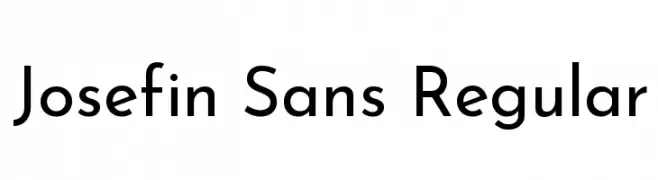
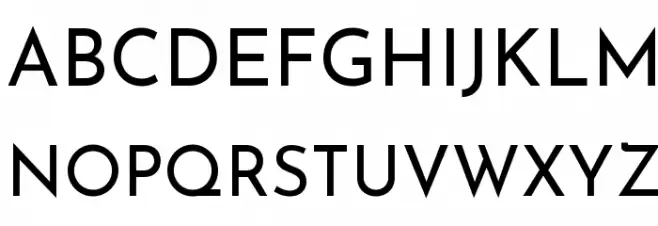
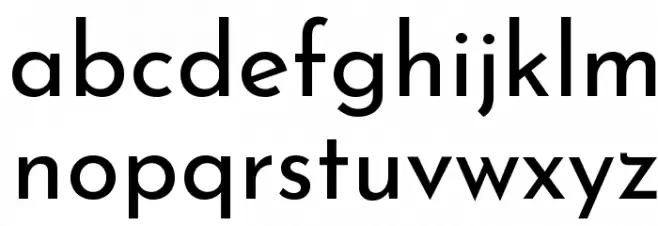
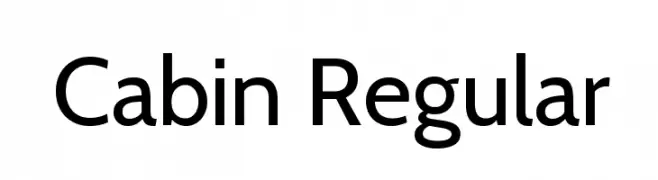
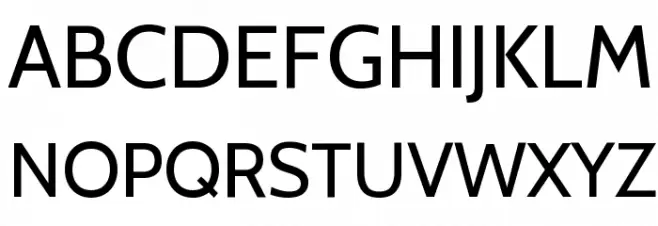
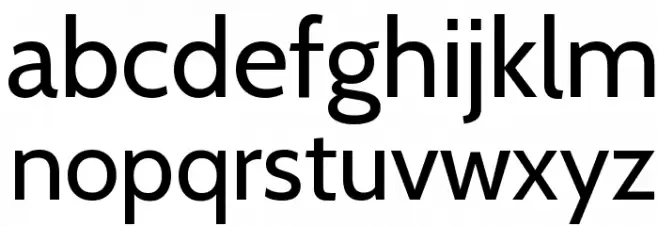
Josefin Sans is a geometric, vintage-1920s style sans with a low x-height and elegant proportions; Cabin is a humanist sans inspired by Gill Sans with a larger x-height and better readability in text. Josefin is for style, Cabin for reading.

When to choose Josefin Sans Regular and when Cabin Regular
- Choose Josefin Sans for logos, fashion and Art-Deco-flavoured headings.
- Choose Cabin for body text, websites and anything that must be read easily.
Both fonts are free to download on FFonts.net: Josefin Sans Regular and Cabin Regular. Type your own text above to test both with your headline, and use the waterfall and character views to check every size.
Font Comparison Tool – See Fonts Side by Side
Our font comparison tool lets you view two fonts side by side to help you make better typography decisions. Whether you're choosing between similar serif fonts, comparing a sans-serif with a display typeface, or simply exploring how different fonts render the same text, this tool makes it easy.
How to Compare Fonts
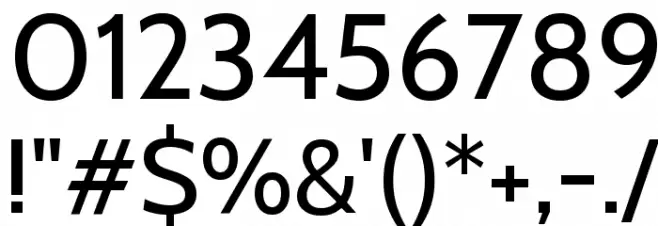
Start typing a font name in either search field above. After 2 characters, a dropdown appears with matching fonts and small preview thumbnails. Click a font to select it, then hit Compare. You'll see both fonts rendered with the same sample text, plus their uppercase, lowercase, and number characters.
Customize Your Comparison
Use the controls above to type your own sample text, adjust the font size with the slider, change the background color for contrast testing, or switch between grid and list layouts. Try the quick sample buttons — Pangram for a sentence using every letter, ABC for the full alphabet, or 123 for numbers and symbols.
Why Compare Fonts?
Choosing the right font is critical for readability, brand identity, and user experience. Comparing fonts side by side helps you evaluate character shapes, spacing, weight, and overall personality before committing to a design. It's especially useful for pairing heading and body fonts, testing readability at different sizes, and checking how fonts look on both light and dark backgrounds.
Share Your Comparison
Use the Copy Link button to share your font comparison with colleagues or clients. The URL contains both font names, so anyone with the link sees the exact same comparison.